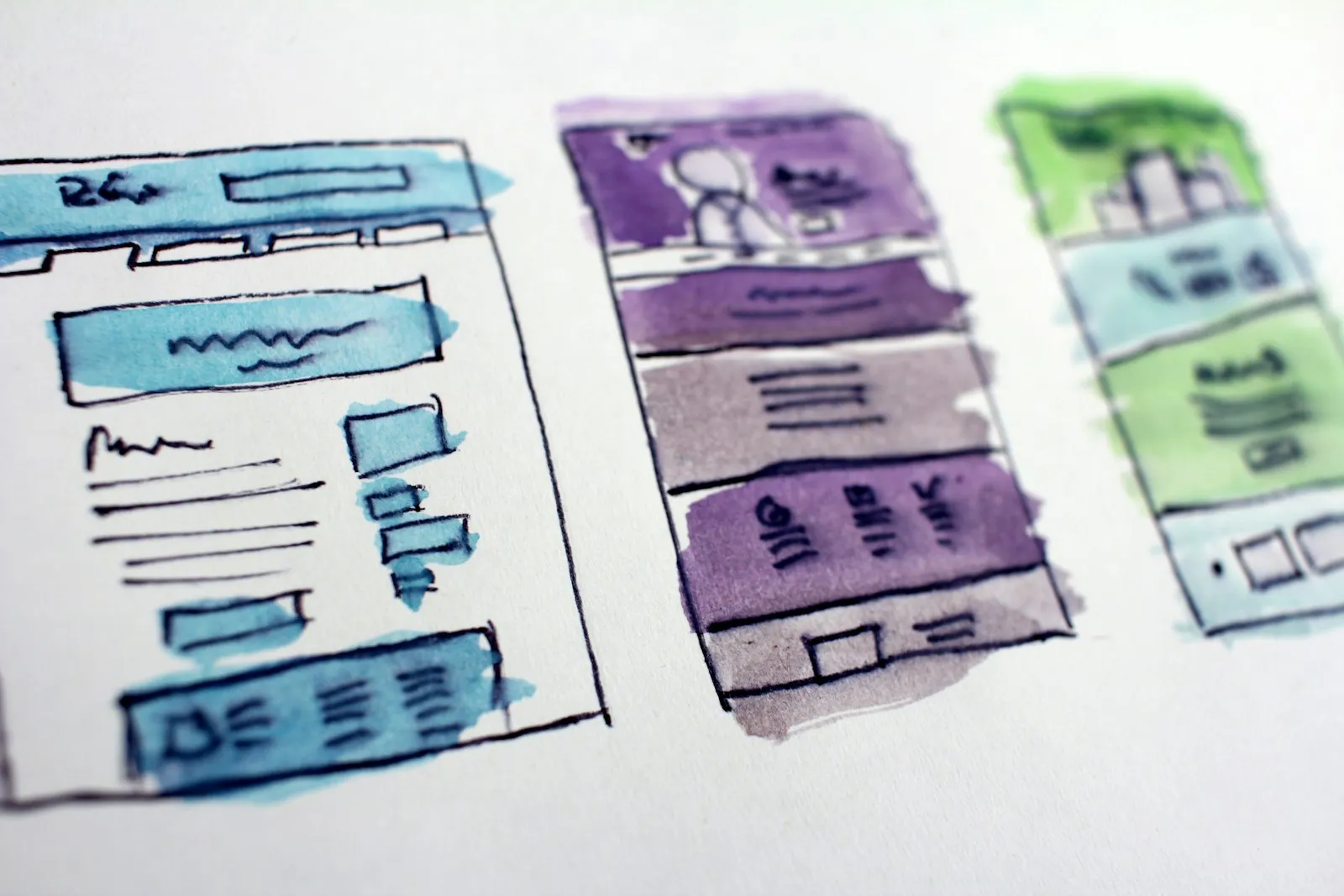
A website redesign without losing rankings is possible if you treat it as a move rather than a renovation. For years the search engine has been memorizing your addresses, headings and texts. If all of that disappears during the update, Google will start getting to know the site from scratch. Below is a plan that takes the site through a redesign: before launch, on launch day and after.
Why a website redesign leads to lost rankings
Rankings do not drop because of the new design as such. They drop because, along with the design, the things the search engine valued quietly change. Click a mistake to see how to avoid it.
Step 1. A snapshot of the site before the redesign
Before designing anything new, record how the old site is built. This is your reference document: you will later use it to check that nothing was lost.
- Collect all addresses
Export the list of pages from the sitemap and Search Console. Do not forget articles, categories, products and old pages that external links point to.
- Mark the valuable pages
In Search Console and analytics, find pages with clicks and impressions, as well as those that bring requests. They need especially careful handling.
- Save the SEO data
For each page: title, description, H1, text and images with alt text.
- Record queries and rankings
Write down the main queries and current rankings. Without this baseline you will not know whether there was a drop.
- Make a full copy
A backup of the site and database, so you can go back if worst comes to worst.
Do not delete pages that “nobody looks at” without checking them in Search Console. Sometimes exactly such a page gets steady impressions for a narrow query.
Step 2. New structure: website redesign without losing rankings
A redesign is a good moment to tidy up the structure. The main rule: every old page with traffic must get a counterpart on the new site.
- The page stayed — same address, text moved, new design.
- The page moved — new address and a 301 redirect from the old one.
- Pages were merged — both old ones redirect to one new page, and its text covers both topics.
- The page was removed — a redirect to the closest page in meaning, not to the home page.
Make an “old address → new address” table before front-end development starts. The developer will use it to set up redirects, and you will use it to check them after launch.
Step 3. Checklist before launching the redesign
Tick the items on the test copy of the site. Launch only when everything or almost everything is done.
Addresses
Content
Technical
Ready to launch. The site is ready to move — all that is left is to watch it for the first weeks.
Almost there. Close the remaining items: each of them can cost you rankings.
Too early. Without redirects and moved texts the risk of a drop is too high.
Start with the snapshot. First record the old site, then move on to the launch.
Step 4. Launch day
- Pick a quiet day
Do not launch the site before weekends or holidays, when there is nobody to fix an error quickly.
- Switch the site
The new version replaces the old one on the same domain. Make one more backup right before switching.
- Go through the redirect table
Open the old addresses and make sure each one leads to the right page.
- Submit the sitemap
In Google Search Console and Yandex Webmaster, so search engines crawl the new pages faster.
- Send a test request
Form, phone, Telegram — everything clients use to reach you.
The first month after a website redesign
Small ranking fluctuations in the first weeks are normal: the search engine is recrawling the site. The warning sign is when a drop does not go away or affects specific pages. Here is what to watch:
- 404 errors in Search Console — it means some old address was left without a redirect.
- Pages that dropped out of the index — check whether they are open to search engines.
- Rankings for the queries from the snapshot — compare with the baseline, not “by eye”.
- Requests — the new design should bring at least as many as the old one.
Myth“Rankings dropped, so the redesign failed”Truth
A short drop after a move happens even with a careful transfer. If addresses and texts are in place, rankings usually come back, and speed and usability support them further.
Myth“Redirects can be removed after a month”Truth
Redirects are kept for a long time: external links, bookmarks and saved messages point to the old addresses.
Myth“The main thing is to keep the home page”Truth
Traffic often comes to inner pages: services, articles, products. Losing them hurts more.
Website redesign without losing rankings with Webrock
We have been down this road ourselves: when moving webrock.uz to a new theme, we kept the addresses and set up redirects from old pages. We work the same way with clients: we start with an audit and a snapshot, and after launch we monitor rankings. Learn more on the website redesign page. If it is too early to update the design but the site needs to be kept in order, see what support includes.
Website redesign More about the serviceFrequently asked questions: website redesign without losing rankings
Can page addresses be changed during a redesign?
They can, but only with a 301 redirect from the old address to the new one. If the old addresses are clear and already in search, it is better not to touch them.
How long until rankings recover?
It depends on the size of the site and how often the search engine crawls it. If the transfer is careful, fluctuations are usually noticeable only in the first weeks.
Do texts need to be rewritten during a redesign?
Not necessarily. Texts that rank well are better moved over with improved presentation. Weak pages with no rankings are the ones to rewrite.
Can a redesign be done in parts?
Yes, sometimes it is even safer: update the home page and key services first, check the result and move on.
Was this article helpful?
Be the first to rate
Discussion 0
Ask a question or share your experience. We reply within a day.
No one has posted yet — start the discussion.


